Trim before you download
Keep just the clip you want: set start and end points and only that section is fetched — seconds, not the whole video.

Grab it. Chop it. Keep it.
Download videos from the web, trim exactly the clip you want, and save it in the format you need — right on your Mac.
Coming SoonRequires macOS 15 or later
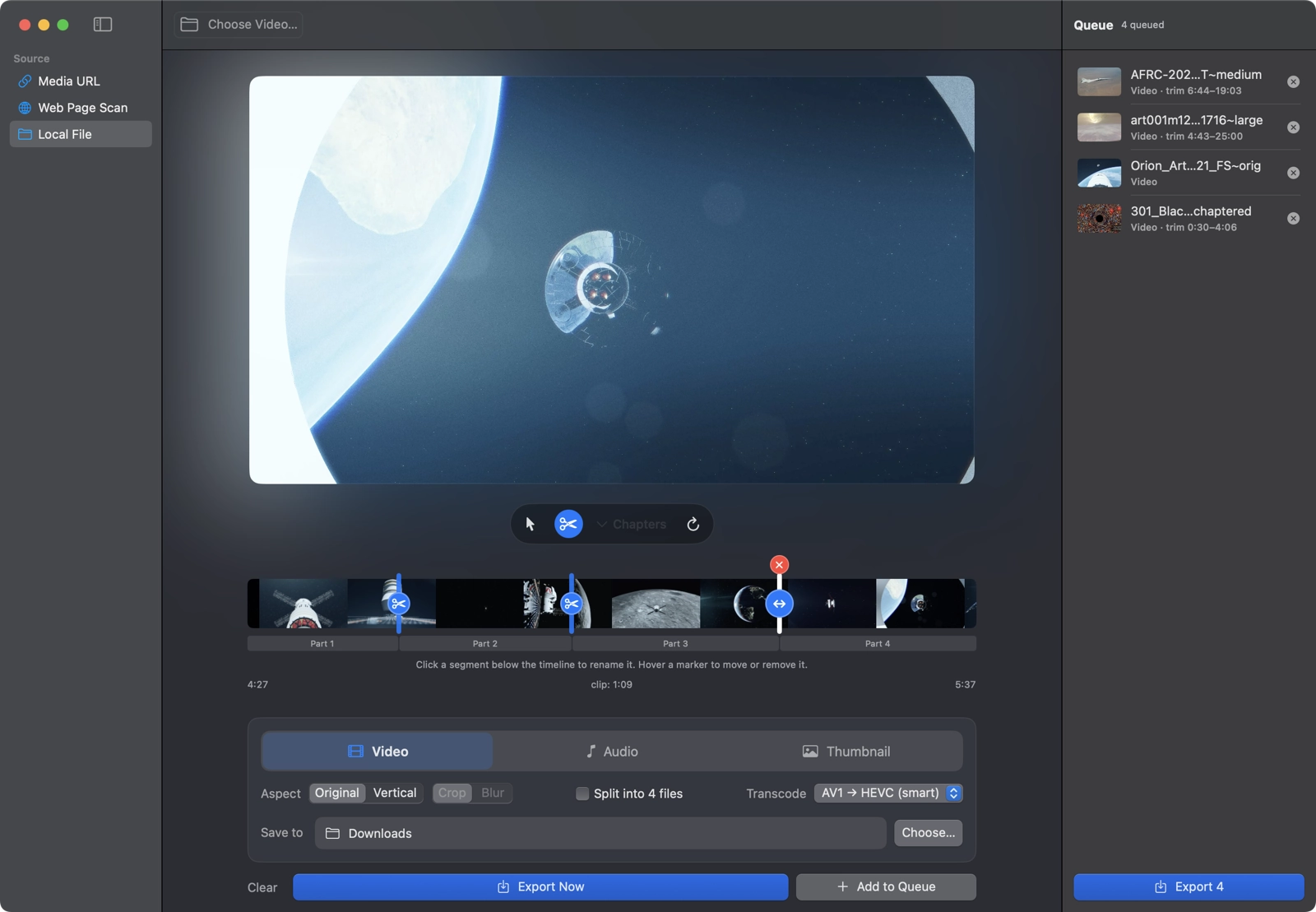
Keep just the clip you want: set start and end points and only that section is fetched — seconds, not the whole video.
Split along a video’s chapters or scissor in your own cut points — drag to fine-tune, rename each piece, and export every segment as its own frame-accurate clip.
Point it at a page and it finds the videos embedded there — no hunting through source code.
Choose resolution and format up front, or grab the best available. Modern codecs are converted so clips play everywhere.
Paste a video link with a time code and the trim start is already filled in for you.
Line up multiple downloads and let them run while you keep working.